Stop spending several hours jumping between several tools to produce a single promo video. Instead, take control of every part of the video production process from scripting to recording to editing to publishing with Descript. With its advanced AI features, Descript cuts video production time in half, making it the promo video maker of choice for many marketers and business owners.
Get startedThese companies use Descript. Not bad!
01
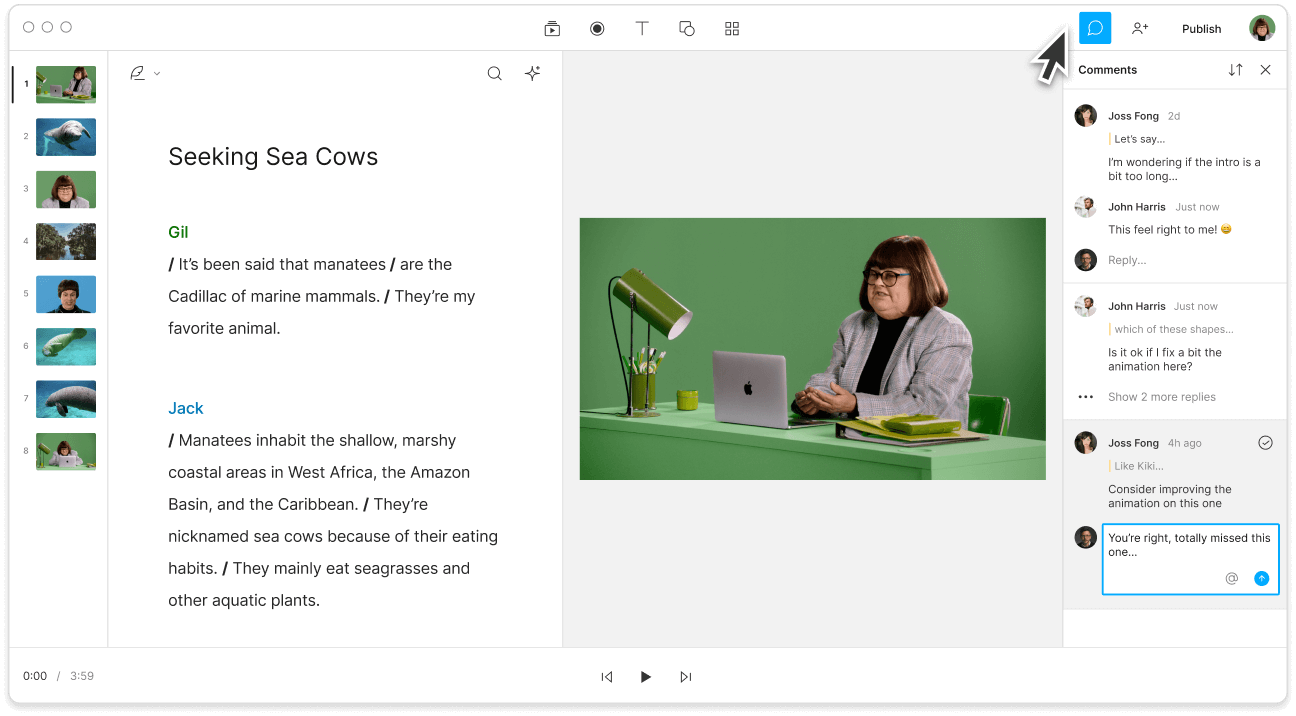
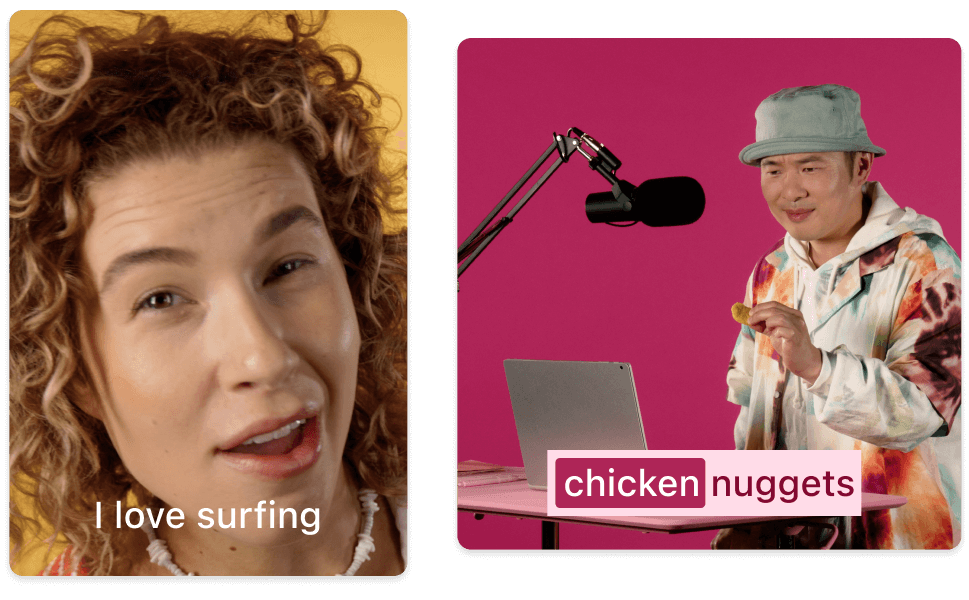
In a new project, start by either writing your script, recording new video or audio, or uploading existing media files by dragging them in. Whatever you choose, Descript will generate a transcript in the script editor that's synced to your timeline.
02
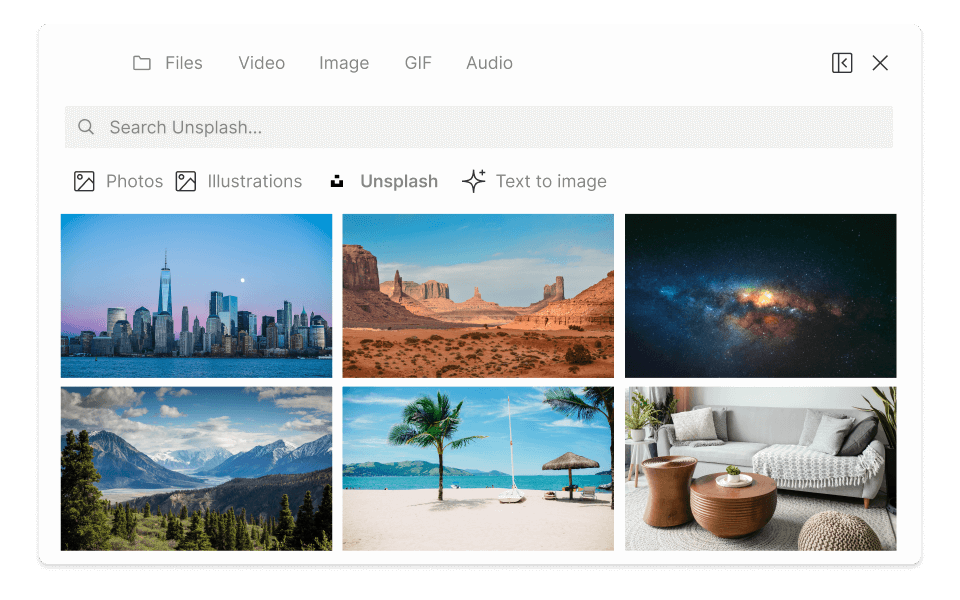
You can edit your promo video by editing the transcript directly. You can move dialogue around to splice, cut, and rearrange clips. Remove filler words using AI, or add animated text overlays, transitions, and stock media like music and sound effects to enhance the viewer's experience. You can even generate realistic voiceovers to read your promotional message for you by using '@' to assign an AI speaker in your script.
03
Once your video looks perfect, preview it to ensure all elements are synchronized and the narrative flows smoothly. Export your promotional video in the desired format and resolution to share it on social media platforms, or generate a web link to embed it on your website.
Descript comes with a vast library of royalty-free music and stock media cleared for commercial use. Create engaging promo videos, ads, social media content, and more without worrying about licensing fees or restrictions.
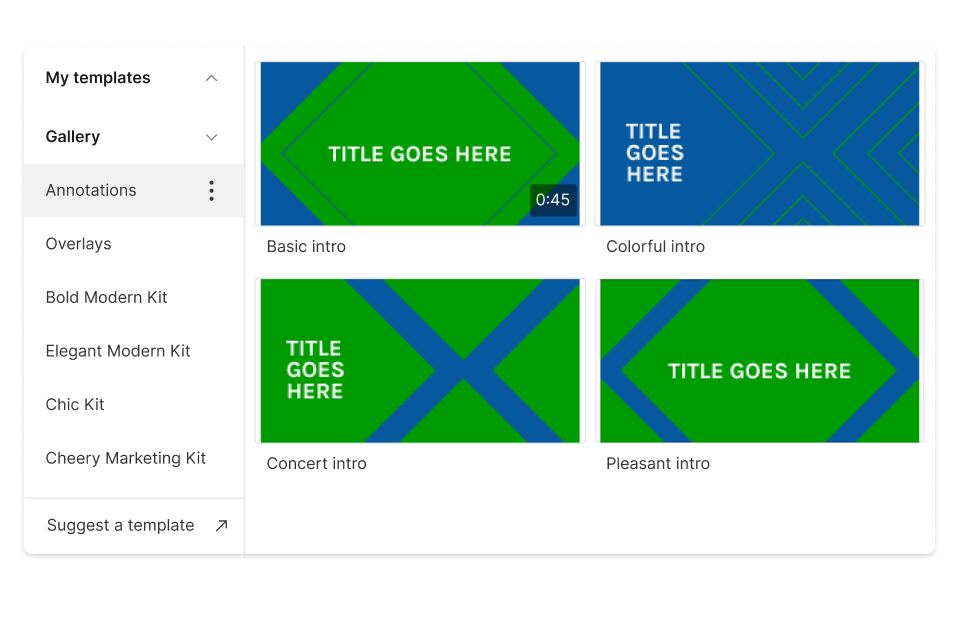
Set up customizable templates that align perfectly with your brand identity. Easily apply your logo watermark, maintain consistent colors and fonts, and optimize your videos for all social media channels.
Invite team members to script, edit, and review video projects together. Or handle projects on your own with help from a powerful AI assistant that can do everything from rewriting your promo video script to giving feedback on how it might land with your target audience.
Descript is an AI-powered audio and video editing tool that lets you edit podcasts and videos like a doc.
Easily transform your promo videos into engaging clips in every format, from vertical to landscape.
Use AI voice generation to narrate your promo videos and correct errors in recorded speech.
Capture studio-quality audio and video remotely, ensuring clear, professional results for your promotional content, even with unstable internet connections.
Remove filler words
With a 4.6-out-of-5-star rating and a bunch of distinctions on G2, Descript’s users have declared it an industry standard in the video and podcasting world.
2025
“With Descript I'll be able to at least double my content output since editing is taking one-quarter the time it used to.”
Donna B.
“With Descript we can create videos for our YouTube channel and our LinkedIn page much faster and with high quality.”
Balázs N.
“Descript has made cleaning up and creating my educational videos into professional presentations [possible] without needing extensive technical computer skills.”
Barbara C.
“Descript makes recording and editing audio and video a breeze. It's advanced features have streamlined my workflows, saving me a lot of time usually spent editing.”
Roderick F.
“The collaborative tools streamline teamwork, allowing my team and me to work efficiently together on projects. Overall, Descript enhances productivity and simplifies the editing process.”
Aldrich M.
“Transcription-based editing makes the process much faster…All in all, a must have editor for most audiences, especially in SaaS marketing.”
Nidhin M.
Surely there’s one for you
$0
$0
per person / month
Start your journey with text-based editing
1 media hour / month
100 AI credits / month
Export 720p, watermark-free
Limited use of Underlord, our agentic video co-editor and AI tools
Limited trial of AI Speech
$24
$16
per person / month
1 person included
Elevate your projects, watermark-free
10 media hours / month
400 AI credits / month
Export 1080p, watermark-free
Access to Underlord, our AI video co-editor
AI tools including Studio Sound, Remove Filler Words, Create Clips, and more
AI Speech with custom voice clones and video regenerate
Most Popular
$35
$24
per person / month
Scale to a team of 3 (billed separately)
Unlock advanced AI-powered creativity
30 media hours / month
+5 bonus hours
800 AI credits / month
+500 bonus credits
Export 4k, watermark-free
Full access to Underlord, our AI video co-editor and 20+ more AI tools
Generate video with the latest AI models
Unlimited access to royalty-free stock media library
Access to top ups for more media hours and AI credits
Creating your own promo video with Descript is straightforward. First, upload your raw video footage and audio files into Descript or start writing your script. Use our intuitive editing tools to trim, splice, and arrange your clips in the transcript or timeline. Enhance your video with text overlays, transitions, and effects. Leverage Descript's powerful AI features, like auto-captioning and screen recording, to add professional touches. Once you're satisfied with your edit, export your video in your promo video in your desired format and share it with the world.
While promo video costs vary, the average cost of making a simple promo video can range from $500 to $2,500. The higher the price, the more people and advanced features are involved in production. Video editing can cost from $25-$150 per hour if you hire a freelance or professional editor. With Descript, you can create promo videos for free with one watermark-free export per month, and unlimited exports starting at just $12/mo.
Descript offers a powerful promo video maker that includes both free and paid options. The free version provides essential tools and features, allowing you to export one watermark-free promo video per month. For users seeking advanced functionalities and unlimited exports, such as higher 4K resolution exports or additional template customization options like custom fonts, Descript also offers premium plans. You can start with the free version and upgrade as needed.