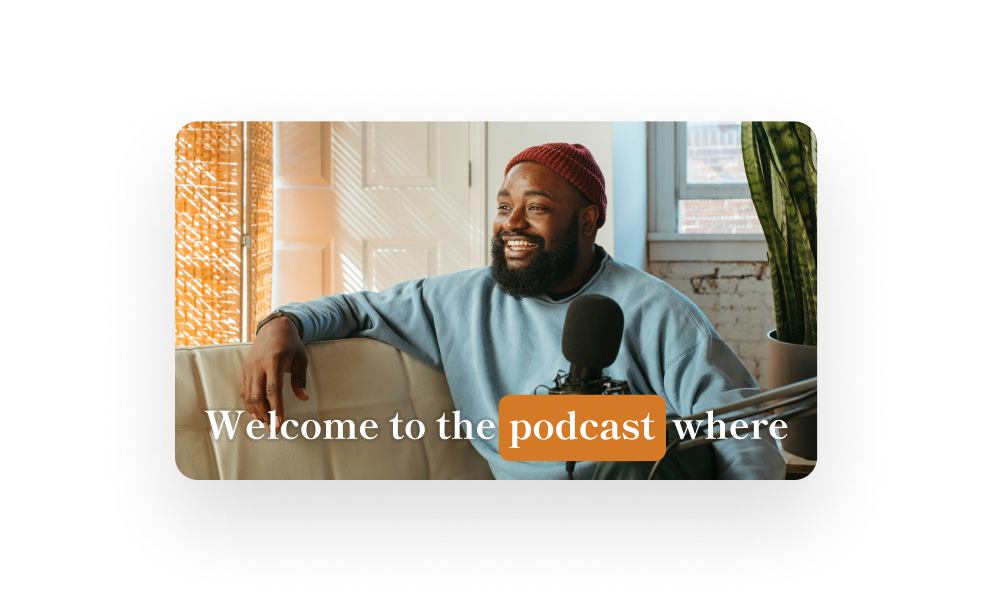
Combine Descript’s AI & easy editing with your creativity to turn your long-form video or podcast into clips that (might) go viral (maybe).
Just hit “Create Clips” and Descript will find the best moments from your recording. Choose your favorites and you’re done.
We taught our AI co-editor Underlord what works on social, so it can find the moments most likely to rack up the views.
Descript’s fully-powered video editor gives you all the tools you need to make refined, original, eye-catching clips.
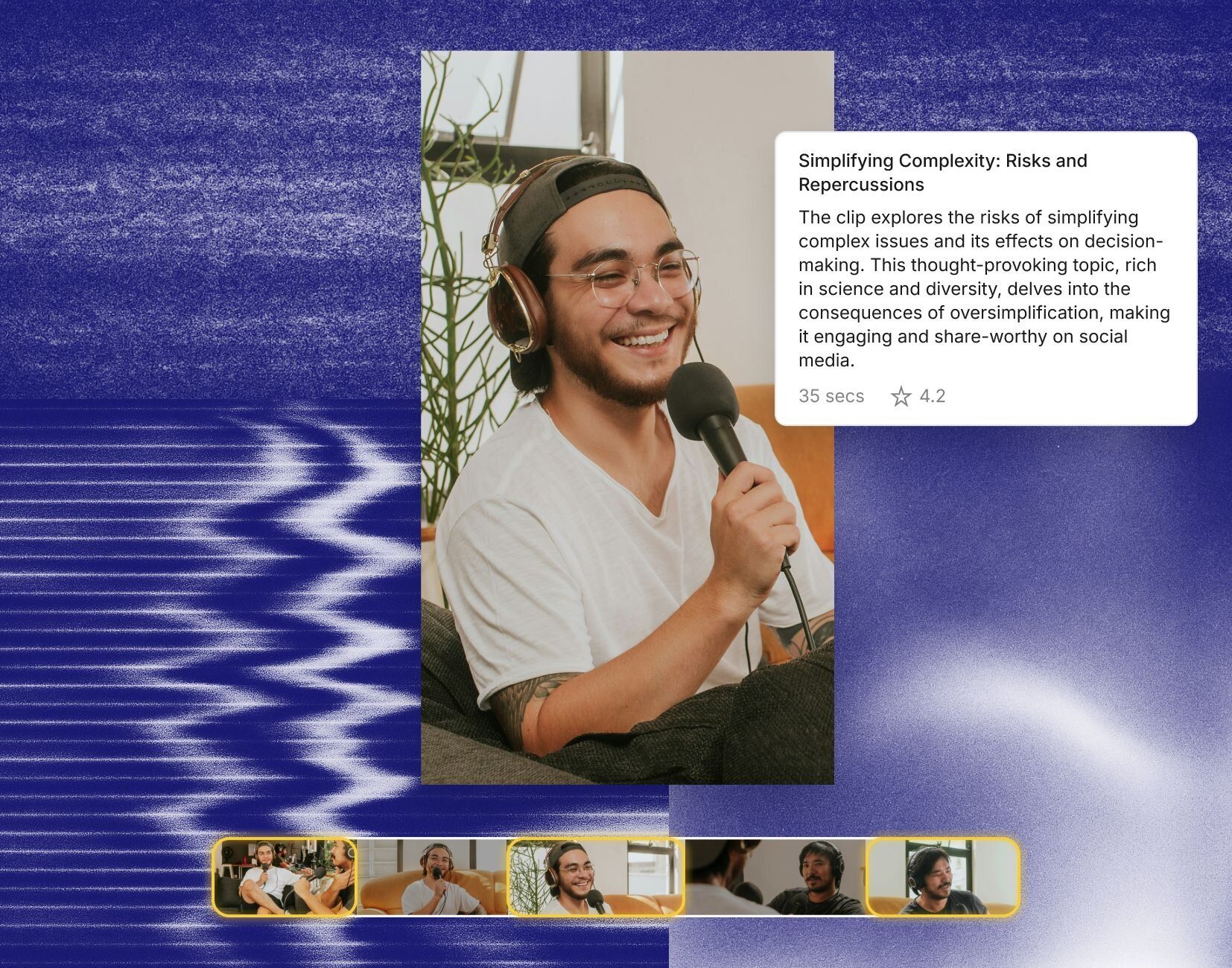
Quickly change aspect ratios to fit different platforms. Grab one of Descript’s layouts or create one to fit your brand.
Whatever parts of the creative process you find most tedious, most difficult, most annoying—there’s an AI tool for that.
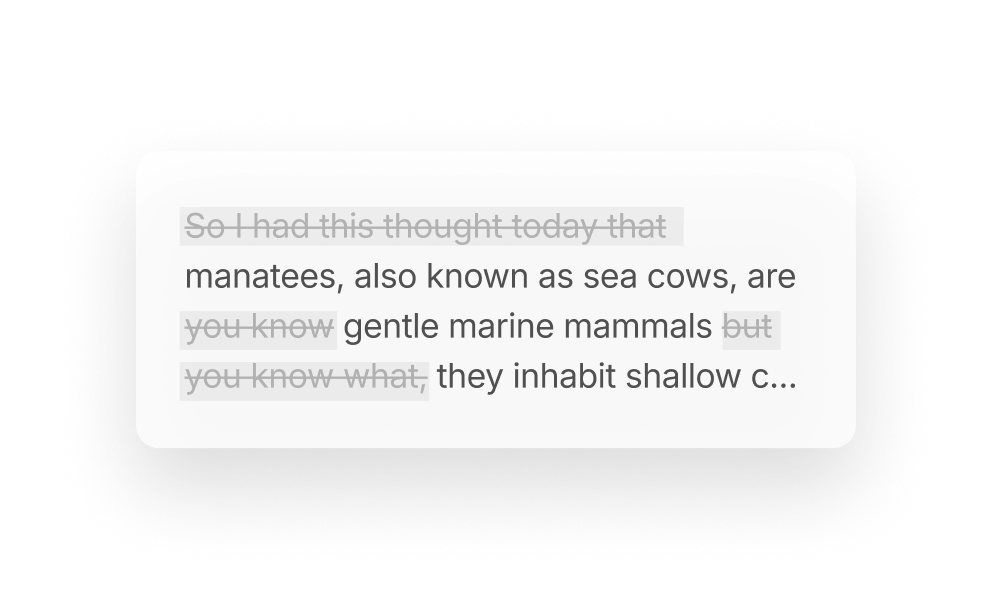
Removing filler words and other verbal clutter. So you get to a clean cut in moments, not hours.
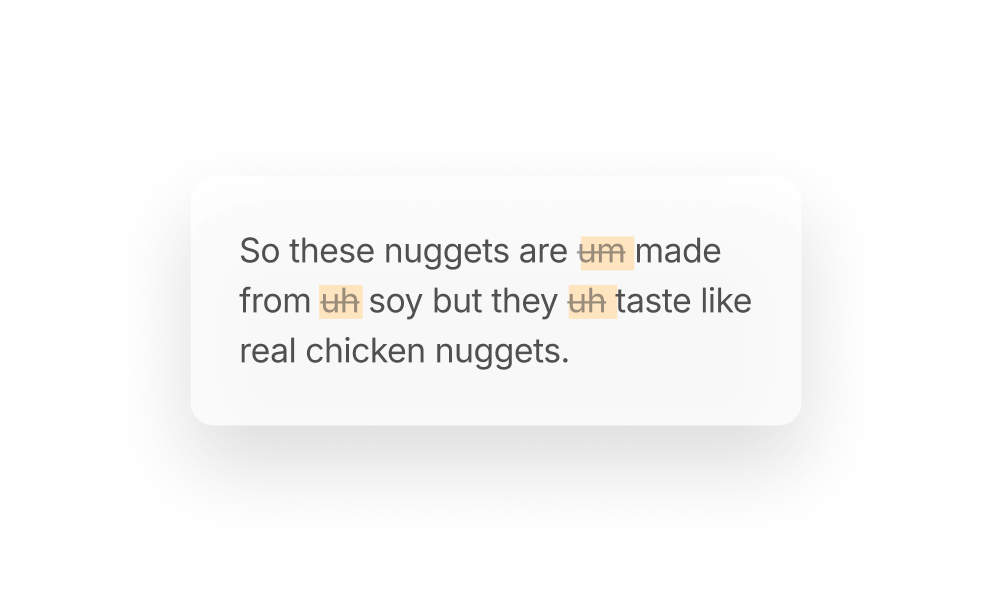
Instantly hunt down and easily remove all the “ums,” “uhs,” “likes,” and “you knows” to make yourself sound smarter (even if you’re not).
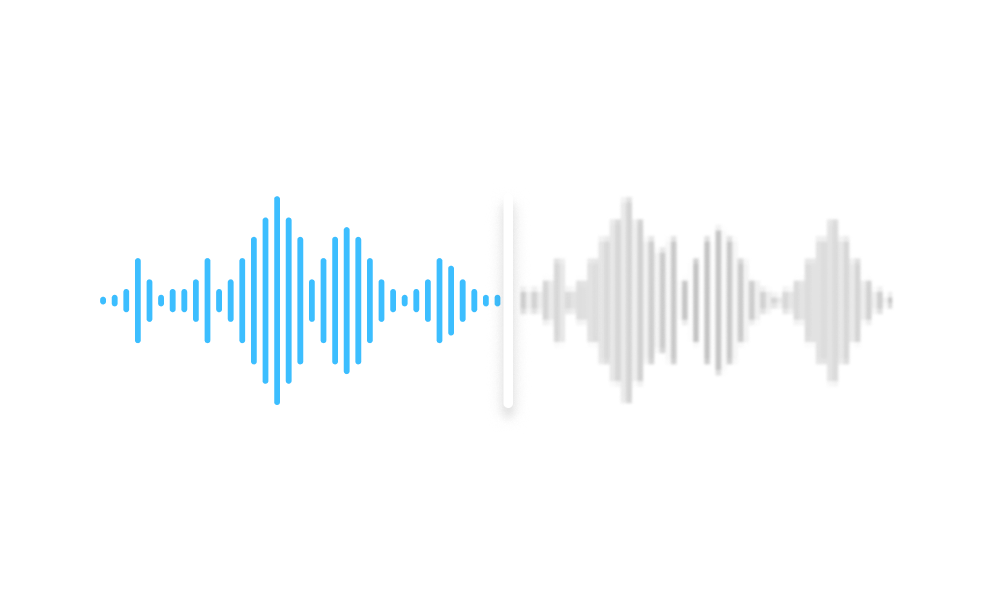
You don’t need an expensive mic and soundproofed recording space. Studio Sound will make it sound like you recorded in a studio. In a single click →
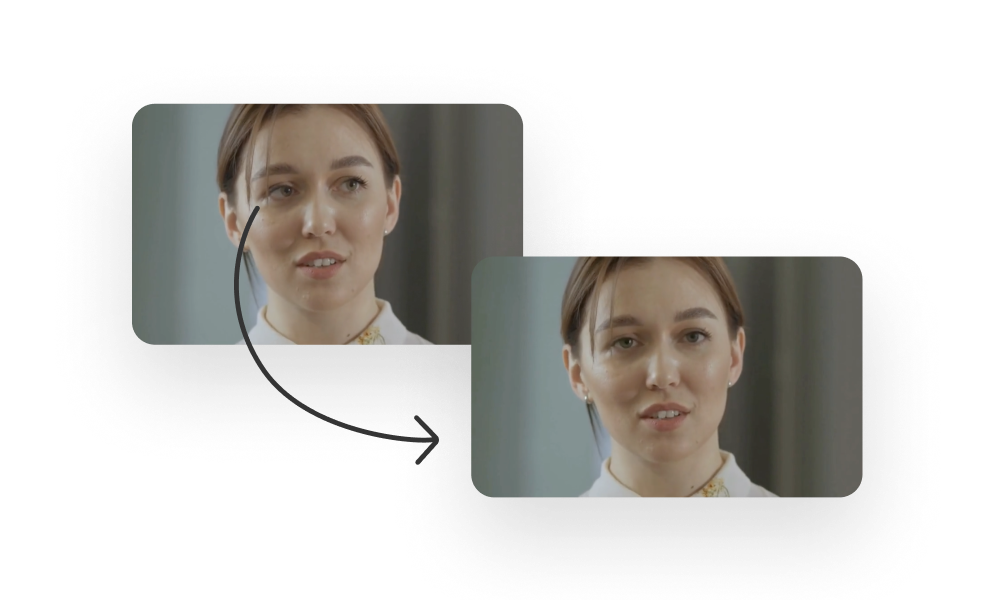
No teleprompter? No problem. Descript’s AI will make it look like your eyes were locked on the camera, even if you were reading off-screen →
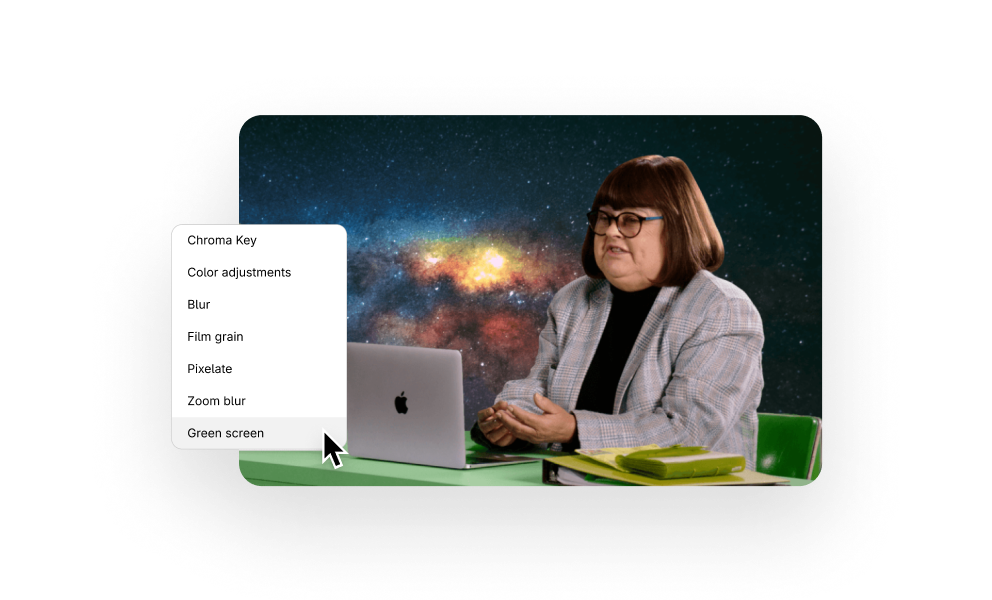
Don’t bother with a real green screen, or with tidying up. Just let AI remove your background, then replace it with anything you want →
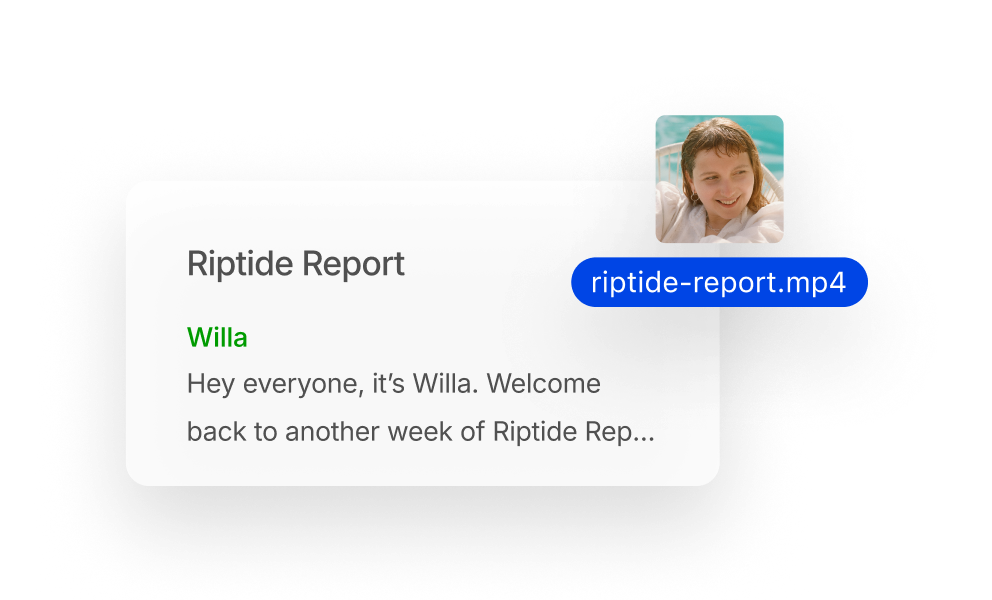
Just drag-and-drop you audio or video file; you’ll get a transcript in moments. Now you’ve stepped through the looking glass, into the magical land of editing in Descript →

Whatever you want to make, make it faster with AI templates
Choose a battle-tested, customizable workflow, then direct Underlord to make exactly what you want.
Surely there’s one for you
$0
per person / month
Start editing video by editing text


1 media hour / month

100 AI credits (one time)

Export 720p, with a watermark

Limited use of Underlord, our agentic video co-editor and AI tools

Limited trial of AI Speech
$16
per person / month
Elevate your projects, watermark-free
10 media hours / month
400 AI credits / month
Export 1080p, watermark-free
Access to Underlord, our AI video co-editor

AI tools including Studio Sound, Remove Filler Words, Create Clips, and more
AI Speech with custom voice clones and video regenerate
Most Popular
$24
per person / month
Unlock advanced AI-powered creativity
30 media hours / month
800 AI credits / month
Export 4k, watermark-free
Full access to Underlord, our AI video co-editor and 20+ more AI tools

Generate video with the latest AI models

Unlimited access to royalty-free stock media library

Access to top ups for more media hours and AI credits
Instagram. TikTok. LinkedIn. YouTube Shorts. Twitter (or X if we must). Facebook. In other words, all of them.
Oh yeah. Just drag your video file in, get a transcript, and ask Descript’s AI to find your most social-worthy highlights. Then clip them, add your branding, and post those suckers. It’s literally that easy.
AI clips could just be clips you make with the help of AI tools like Descript’s. Nothing wrong with that — your creativity is still an absolute necessity. AI clips could also be fake or shoddy content made entirely using generative AI tools. Posting those might not make you a monster, but it’s pretty uncool if you ask us — mostly because the quality is still pretty terrible.
The videos are tough to watch. But the burgers are excellent.