Descript’s audio-to-text features achieve up to 95% accuracy to make transcripts, captions, subtitles, and text files. The best part? You handle your audio by editing the text—like a doc—to drop filler words or trim sections in a few keystrokes.
Get started

These companies use Descript. Not bad!
01
Upload your audio file to transcribe
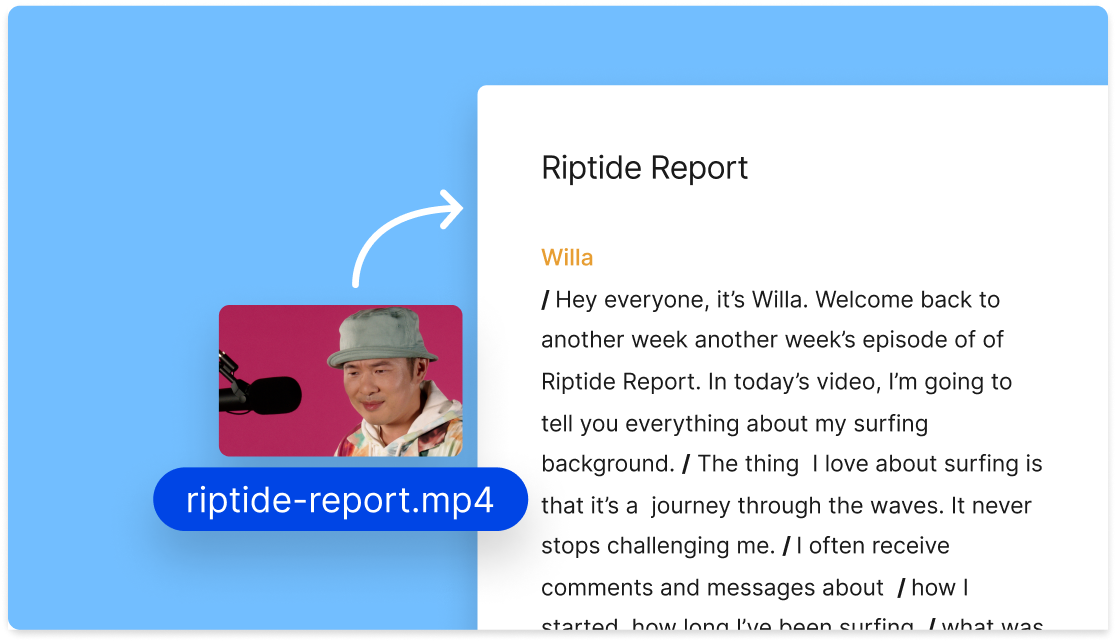
Drag and drop an audio or video file into a new Descript project. A transcript is generated automatically and synced to your audio, capturing dialogue and even nonverbal sounds. If your audio has more than one speaker, Descript will identify and label each person.
02
Edit your transcript
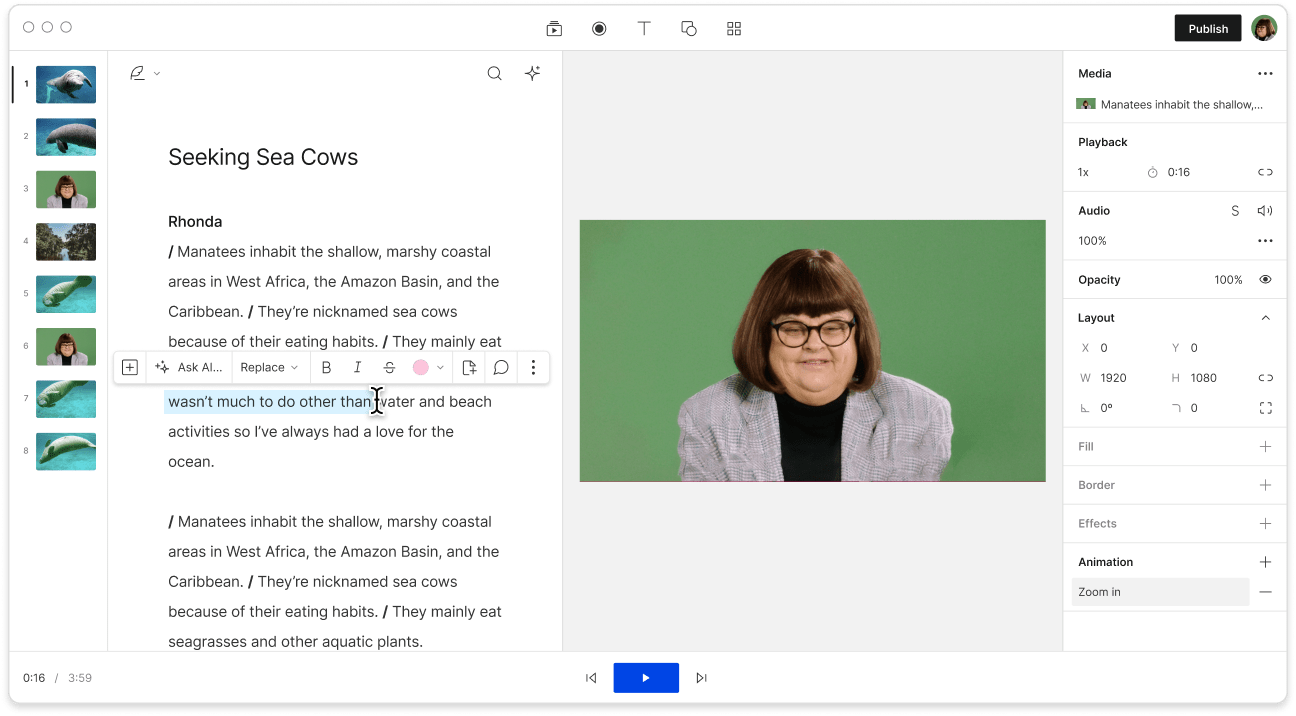
Your transcript is synced with the editing timeline by default. Delete or rearrange text to edit your audio, which allows you to remove filler words in one click. To fix any transcription errors—like a misspelled name—highlight the text and press 'C' to correct the script without changing the audio.
03
Export in your desired format
When your transcript looks good, head over to Publis; Export and pick an option. You can export as plain text, rich text, markdown, HTML, Word doc, or even an SRT or VTT subtitle. You can also share it as a web link or embed your transcript alongside the audio with Descript’s media player.

Convert audio to text—and text into audio
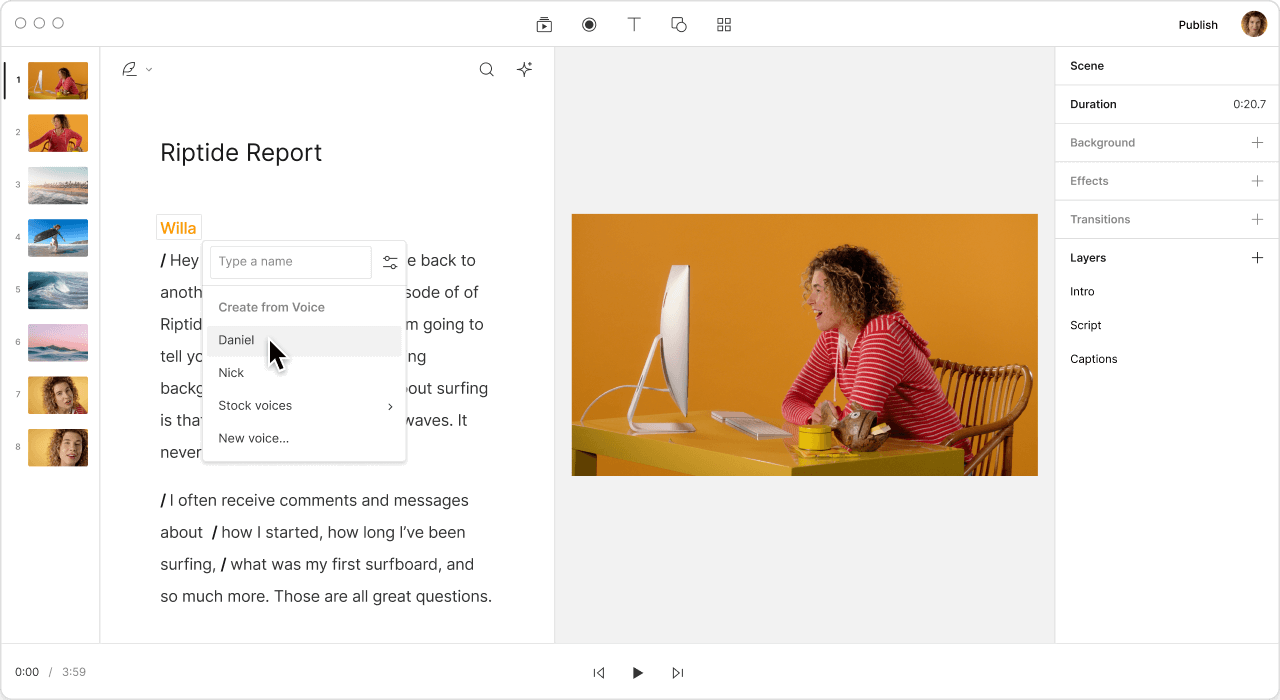
Descript does more than just convert audio to text. It can also create audio from your text to help you explore new ideas. Keep your script and adjust your voice, or make a clone of your voice to enhance your original recording without doing extra takes.

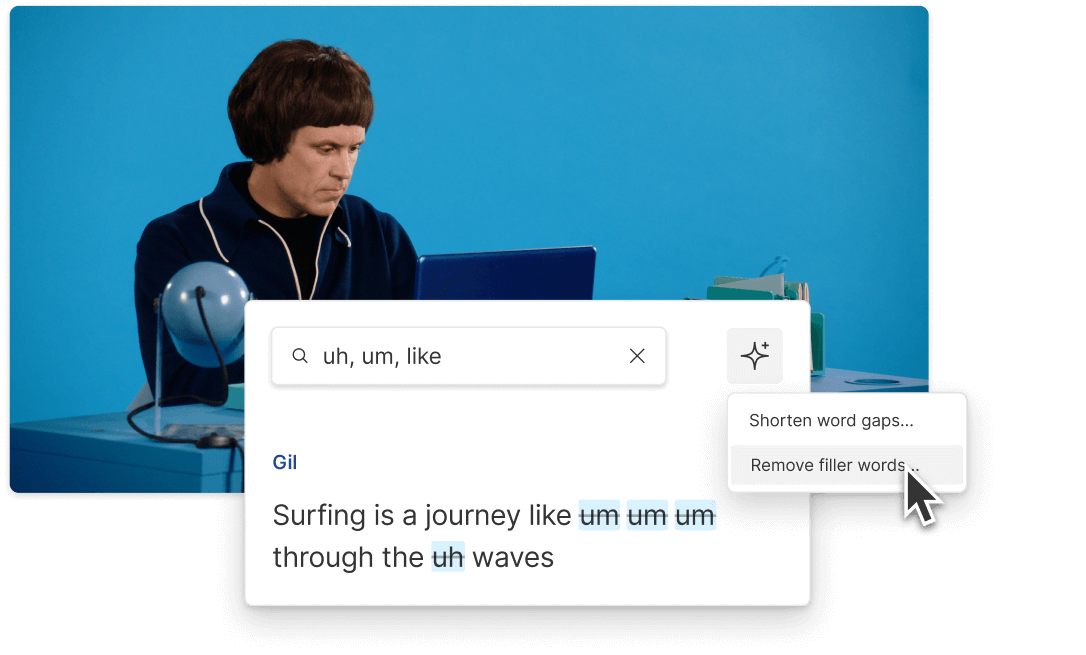
Fix errors and remove filler words in a snap
Whether you create YouTube videos, run a podcast, or just need to transcribe audio to text, Descript’s AI-powered approach is around 95% accurate from the start. After that, you can remove filler words instantly, highlight potential transcription errors, and quickly make corrections throughout your script.

Customize your output with AI
Export your transcribed audio in any format you prefer, with or without speaker labels, time codes, and markers. Plus, AI Actions let you convert your transcript into blog posts, social content, or even a script with the prompts you choose.
Descript is an AI-driven audio and video editing tool that lets you handle podcasts and videos as if you're working in a doc.
Text-to-speech
Convert text into audio with a broad library of AI voices or make a custom voice clone.
Remote recording
Capture and transcribe up to 10 guests with a built-in remote recording studio.
Podcasting
Record, convert audio to text, edit, and publish podcast audio in an intuitive text-based editor.
Use AI to flag the best snippets in your audio or transcript.
Find good clips
Donna B.
Surely there’s one for you
Free
per person / month
Start your journey with text-based editing
1 media hour / month
100 AI credits / month
Export 720p, watermark-free
Limited use of Underlord, our agentic video co-editor and AI tools
Limited trial of AI Speech
Hobbyist
per person / month
1 person included
Elevate your projects, watermark-free
10 media hours / month
400 AI credits / month
Export 1080p, watermark-free
Access to Underlord, our AI video co-editor
AI tools including Studio Sound, Remove Filler Words, Create Clips, and more
AI Speech with custom voice clones and video regenerate
Most Popular
Creator
per person / month
Scale to a team of 3 (billed separately)
Unlock advanced AI-powered creativity
30 media hours / month
800 AI credits / month
Export 4k, watermark-free
Full access to Underlord, our AI video co-editor and 20+ more AI tools
Generate video with the latest AI models
Unlimited access to royalty-free stock media library
Access to top ups for more media hours and AI credits
How does Descript's speech-to-text tool work?
Can I use Descript to make captions?
Is Descript just a transcription tool?
Can I transcribe audio in other languages?
What audio file formats does Descript transcribe?