Descript's FLAC to AAC converter simplifies audio format conversion, ensuring high-quality sound for all your projects. Effortlessly transform your FLAC files into AAC with just a few clicks, making your audio compatible with a wide range of devices and platforms.
Get startedThese companies use Descript. Not bad!
01
Sign Up and Log In to Descript
Sign up for Descript for free and log in to your account. Enjoy 1 free hour of transcription per month without needing a credit card. This allows you to explore the tool's features and capabilities at no cost.
02
Create a New Project and Upload FLAC File
Create a new project in Descript and upload your FLAC file by simply dragging and dropping it into the project. Descript will automatically process the file in the cloud, ensuring a seamless and efficient workflow.
03
Select Export Options and Save as AAC
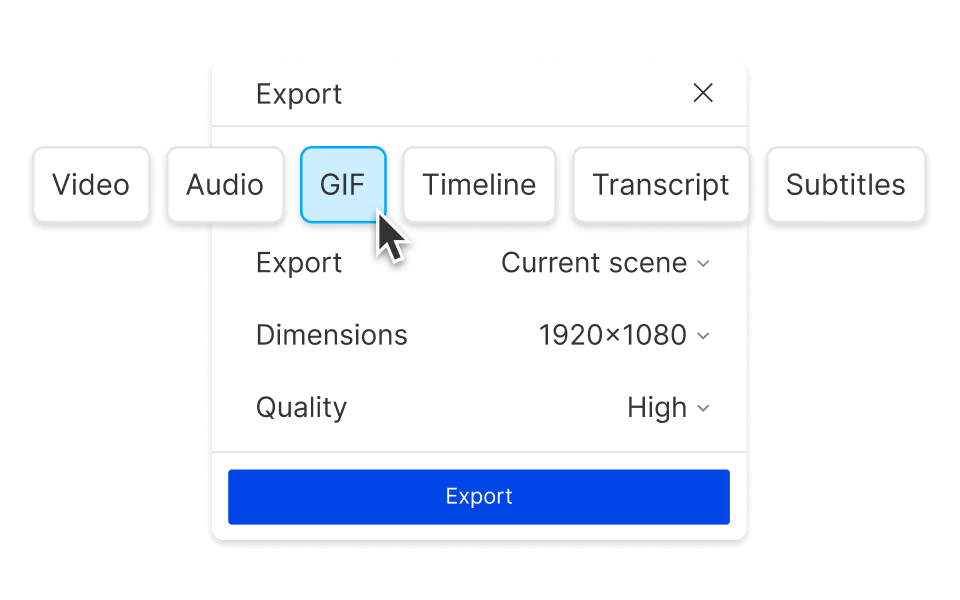
To convert your FLAC file to AAC, navigate to the top menu and select Publish. Then, choose Export, followed by AAC. Finally, click Save to complete the process. This straightforward method ensures your audio files are quickly and efficiently converted.
Convert and edit videos all in one place
With Descript, converting FLAC to AAC is just the beginning. Seamlessly edit and convert videos all in one place, ensuring your content is always up-to-date. Whether you're refining audio or tweaking visuals, Descript streamlines the process, making it easier to achieve professional results without juggling multiple tools.
Flexible export choices
Descript offers flexible export choices, making it easy to convert FLAC to AAC. Whether you need high-quality audio for streaming or smaller files for mobile devices, Descript provides the options you need. Tailor your exports to fit any platform or requirement, ensuring your audio content is always optimized.
Compress GIF, video, and audio files
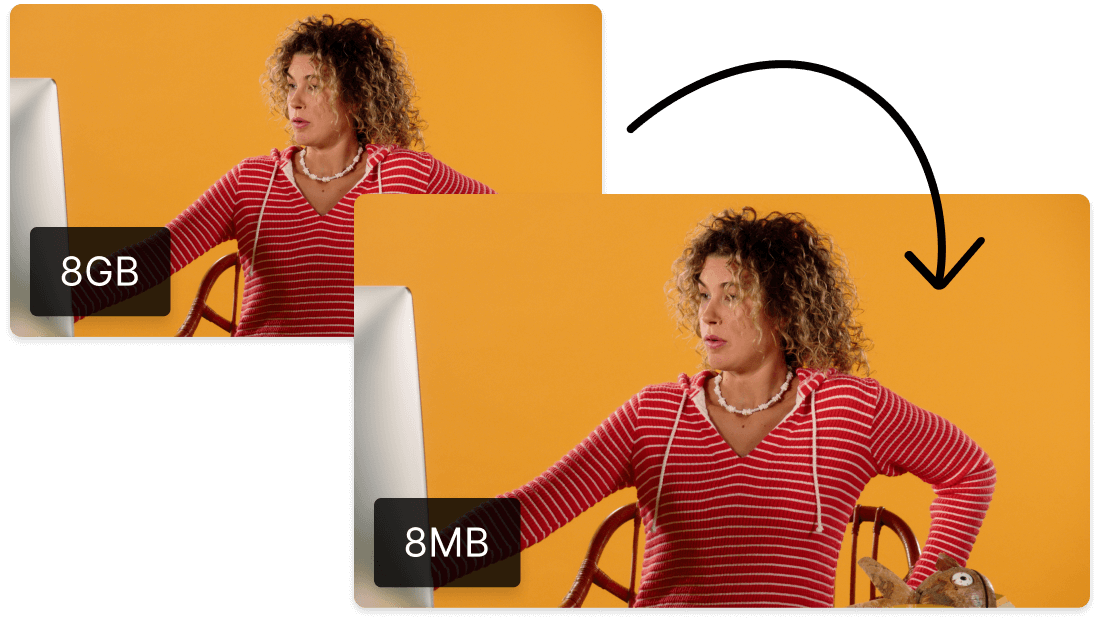
Descript not only converts FLAC to AAC but also compresses GIF, video, and audio files. This feature ensures your media is optimized for sharing and storage, making it easier to manage and distribute high-quality content without compromising on performance or clarity.
Descript is an AI-powered audio and video editing tool that lets you edit podcasts and videos like a doc.
Collaboration
Collaborate seamlessly with Descript to convert FLAC to AAC, ensuring everyone on your team stays in sync and productive.
Multi-track editor
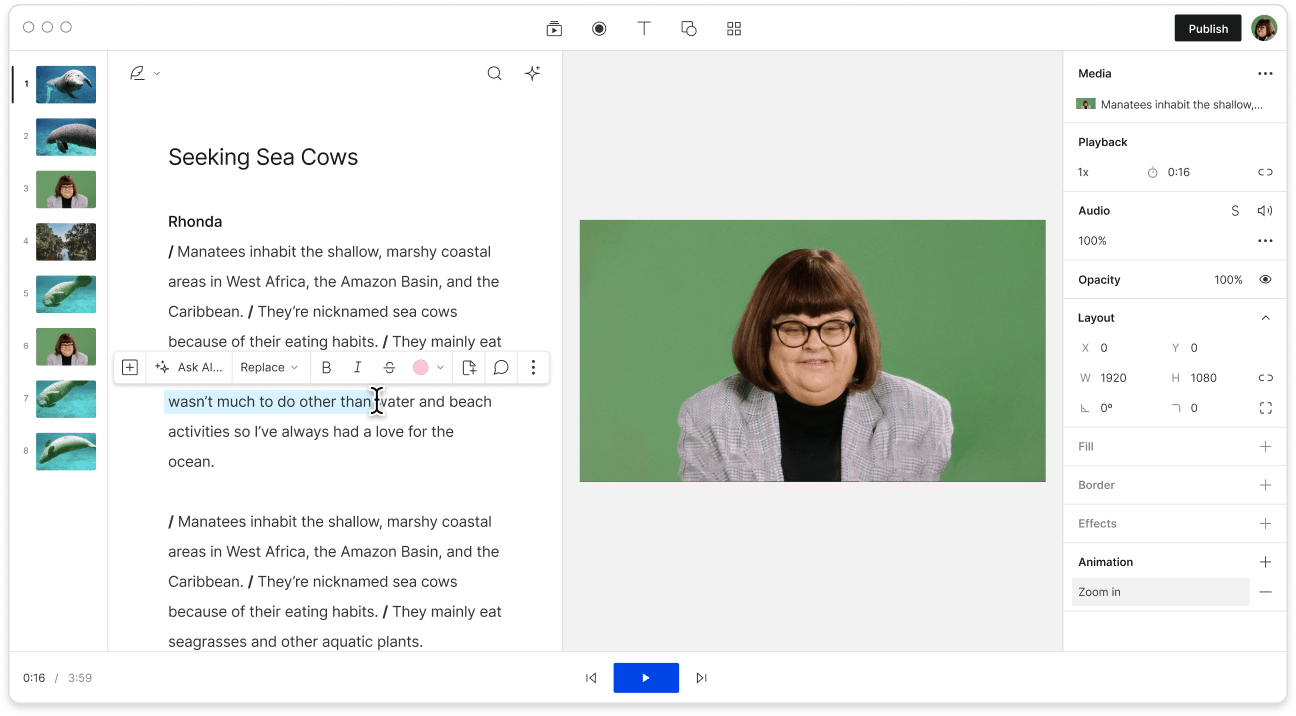
Descript's multi-track editor simplifies converting FLAC to AAC, allowing seamless editing across multiple audio tracks for professional results.
Transcription
Effortlessly transcribe your FLAC files to text before converting them to AAC, ensuring accurate and accessible audio content.
Studio Sound
Enhance your audio quality while converting FLAC to AAC with Descript's Studio Sound, ensuring crystal-clear output every time.
Donna B.
Surely there’s one for you
Free
per person / month
Start your journey with text-based editing
1 media hour / month
100 AI credits / month
Export 720p, watermark-free
Limited use of Underlord, our agentic video co-editor and AI tools
Limited trial of AI Speech
Hobbyist
per person / month
1 person included
Elevate your projects, watermark-free
10 media hours / month
400 AI credits / month
Export 1080p, watermark-free
Access to Underlord, our AI video co-editor
AI tools including Studio Sound, Remove Filler Words, Create Clips, and more
AI Speech with custom voice clones and video regenerate
Most Popular
Creator
per person / month
Scale to a team of 3 (billed separately)
Unlock advanced AI-powered creativity
30 media hours / month
800 AI credits / month
Export 4k, watermark-free
Full access to Underlord, our AI video co-editor and 20+ more AI tools
Generate video with the latest AI models
Unlimited access to royalty-free stock media library
Access to top ups for more media hours and AI credits
What audio quality can I expect when converting FLAC to AAC using this tool?
Does the tool support batch conversion for multiple FLAC files at once?
What pricing plans does Descript offer for individual users and teams?
Does Descript provide any collaboration features for team projects?