Descript’s FLAC to MP3 converter streamlines audio conversion, helping you effortlessly turn high-quality FLAC files into universally playable MP3s. Enjoy smooth, swift conversions that maintain excellent sound quality, perfect for music enthusiasts and professionals.
Get startedThese companies use Descript. Not bad!
01
Sign up and log in to Descript
Create a free Descript account and log in. You get 1 free hour of transcription monthly, no credit card needed. This allows you to try the tool’s features and convert your FLAC files to MP3 with ease.
02
Create a new project and upload FLAC
Open a new project in Descript and upload your FLAC file by dragging and dropping it directly into the workspace. Descript then processes the file in the cloud, providing a smooth, efficient way to convert FLAC to MP3.
03
Select export options and save as MP3
To convert your FLAC file to MP3, go to the top menu and click Publish. Then choose Export, followed by MP3. Finally, select Save to finalize the conversion. This simple process keeps your audio accessible on any platform or device.
Convert and edit videos all in one place
With Descript, converting FLAC to MP3 is only the start. Effortlessly edit and convert videos in a single platform, keeping your content current. Whether you're polishing a podcast or updating a training video, Descript makes the workflow simpler and saves valuable time.
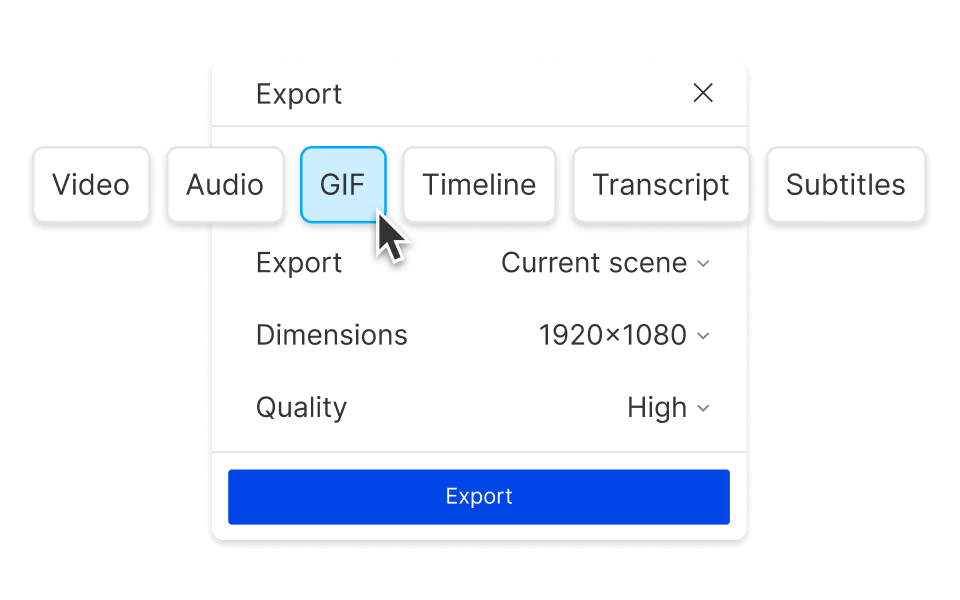
Flexible export choices
Descript offers versatile exporting, making it simple to convert FLAC to MP3. Whether you require high-grade audio for professional audiences or smaller files for quick sharing, Descript has you covered. Adjust your exports to fit your needs and keep your audio projects organized.
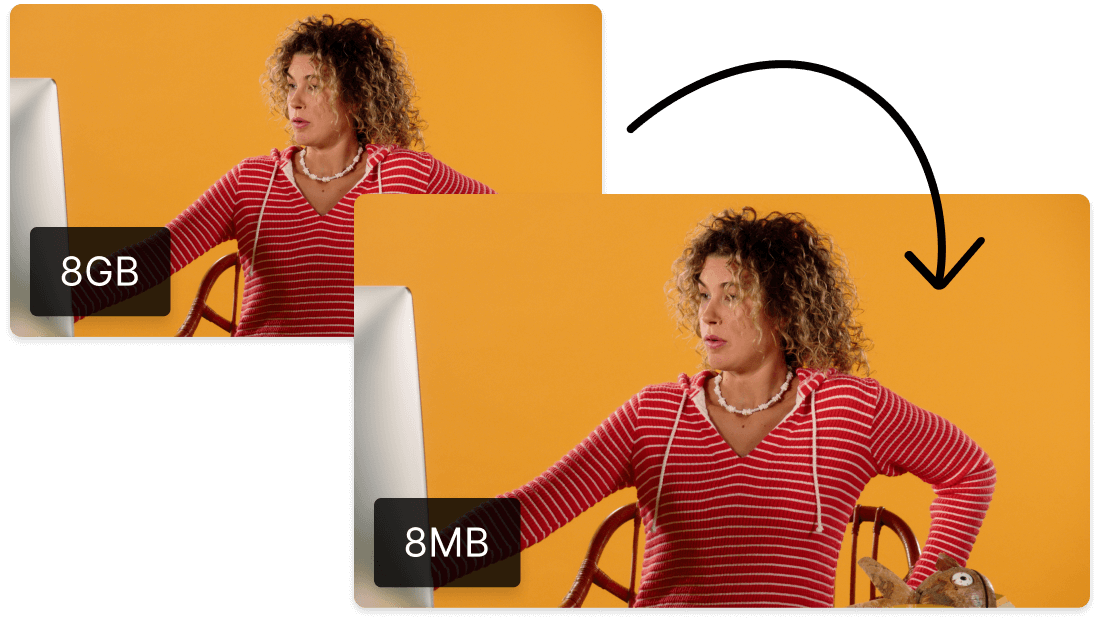
Compress GIF, video, and audio files
Descript handles more than FLAC to MP3: it also compresses GIF, video, and audio files. This capability optimizes media for sharing and storage, simplifying management and distribution with minimal quality loss.
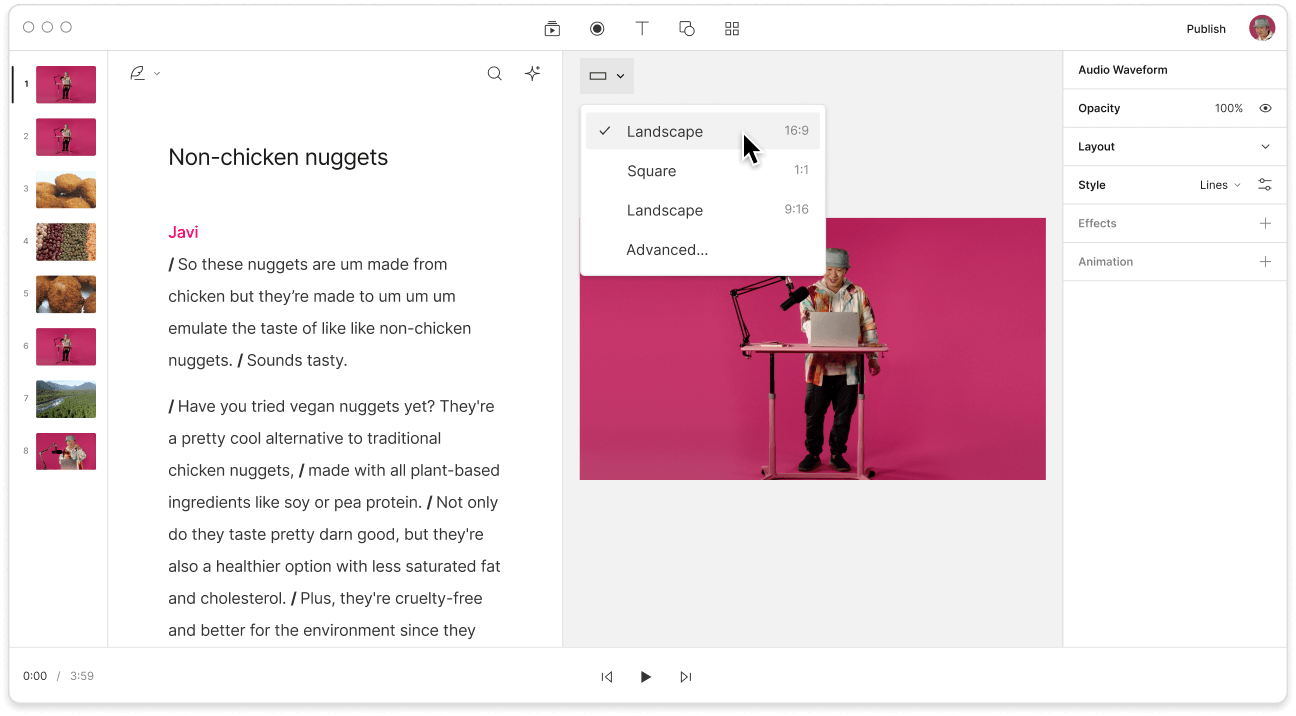
Descript is an AI-driven audio and video editor that lets you work on podcasts and videos much like editing a text document.
Collaboration
Work together effortlessly with your team while converting FLAC to MP3, keeping everyone on the same page and productive.
Multi-track editor
Quickly convert FLAC to MP3 as you use Descript's multi-track editor to refine each audio layer for clear sound.
Transcription
Transcribe your FLAC files into text while converting them to MP3, simplifying your workflow with Descript's robust transcription tool.
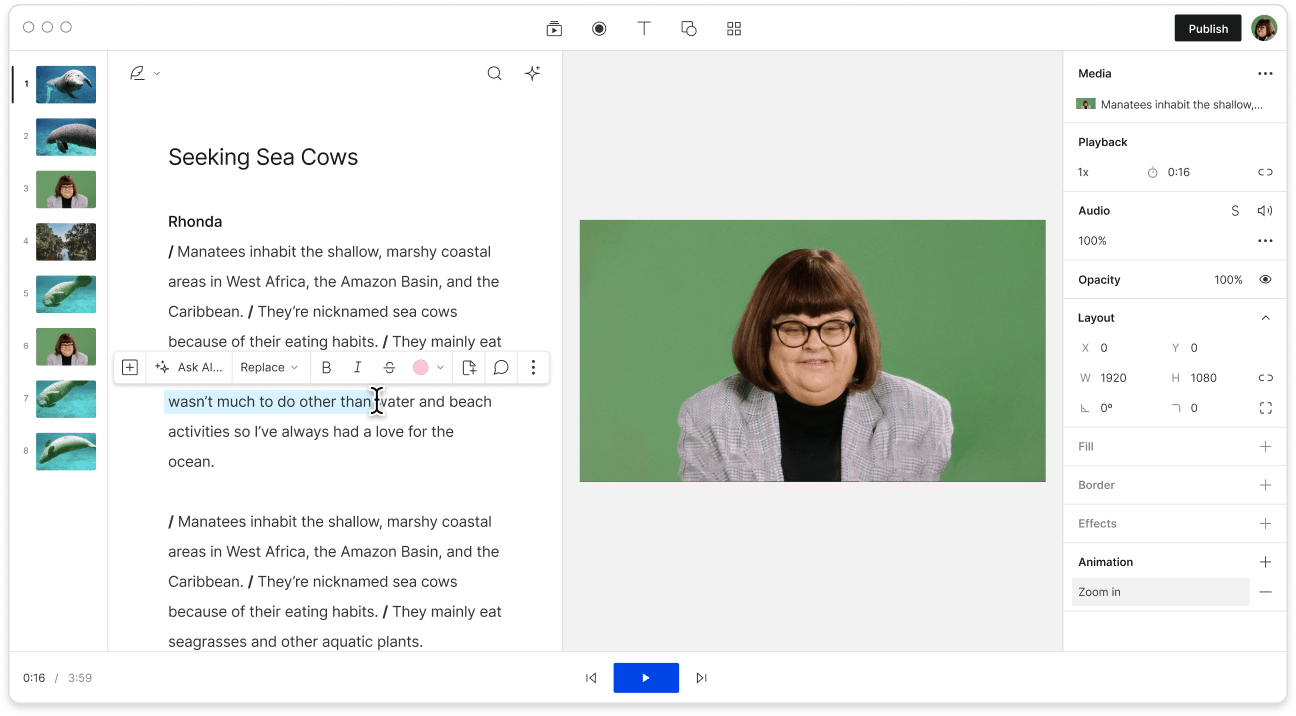
Text-based editing
Convert FLAC to MP3 with Descript's text-based editing for a more intuitive approach to managing audio files.
Donna B.
Surely there’s one for you
Free
per person / month
Start your journey with text-based editing
1 media hour / month
100 AI credits / month
Export 720p, watermark-free
Limited use of Underlord, our agentic video co-editor and AI tools
Limited trial of AI Speech
Hobbyist
per person / month
1 person included
Elevate your projects, watermark-free
10 media hours / month
400 AI credits / month
Export 1080p, watermark-free
Access to Underlord, our AI video co-editor
AI tools including Studio Sound, Remove Filler Words, Create Clips, and more
AI Speech with custom voice clones and video regenerate
Most Popular
Creator
per person / month
Scale to a team of 3 (billed separately)
Unlock advanced AI-powered creativity
30 media hours / month
800 AI credits / month
Export 4k, watermark-free
Full access to Underlord, our AI video co-editor and 20+ more AI tools
Generate video with the latest AI models
Unlimited access to royalty-free stock media library
Access to top ups for more media hours and AI credits
What audio quality can I expect when converting FLAC to MP3 using this tool?
Does the FLAC to MP3 conversion tool support batch processing for multiple files?
What pricing plans does Descript offer for its users?
Can I access Descript's features on mobile devices?