Set up a trigger. Tell Underlord what to do. Show up when the work is ready.
How it works
You define what kicks things off, and Underlord takes it from there. You show up when it's time to review.
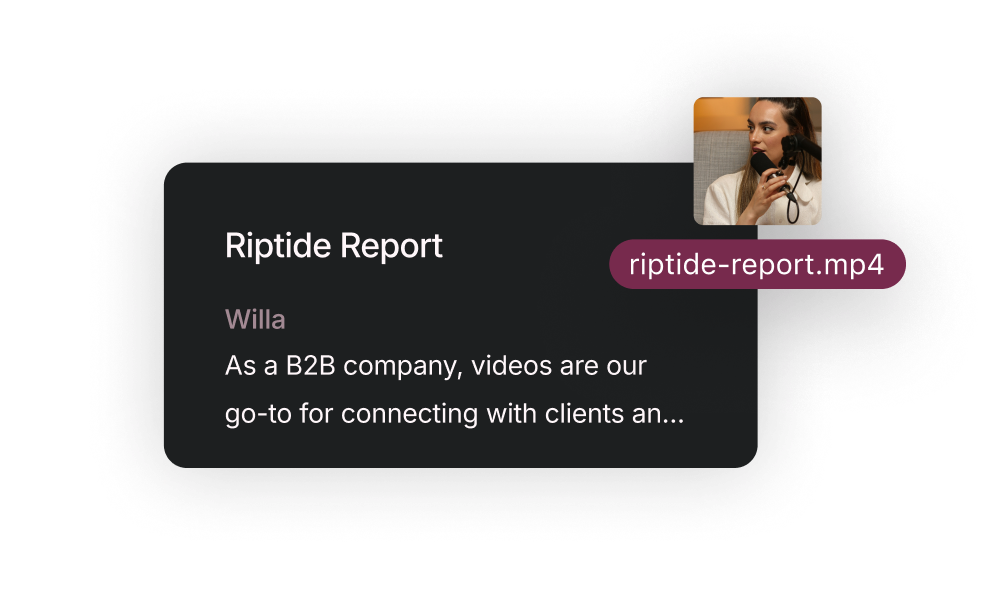
A new recording. A published article. A file upload. You pick the trigger.
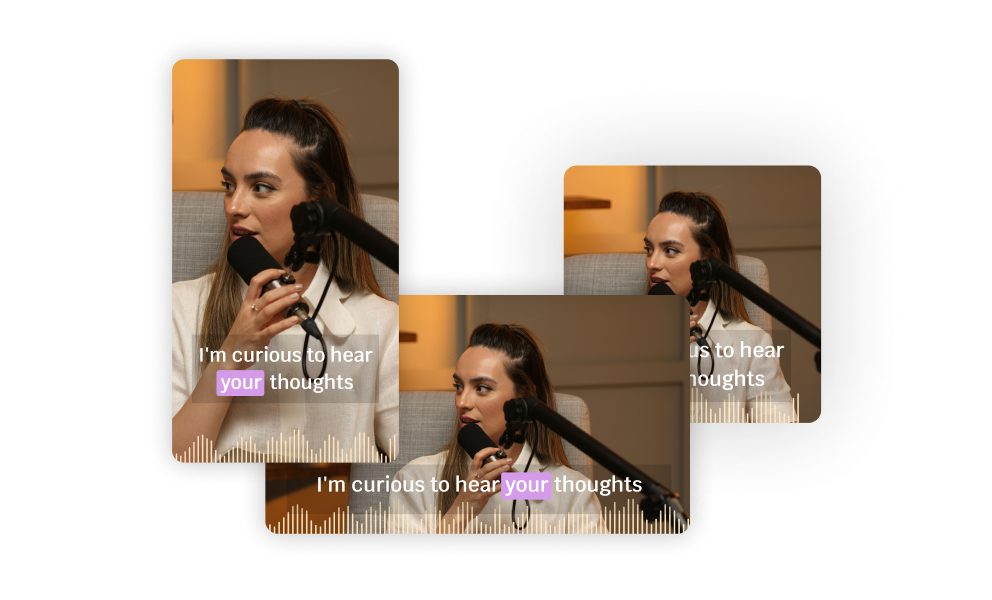
Import, transcribe, remove filler words, add Studio Sound, cut clips, generate captions — whatever you've told it to do.
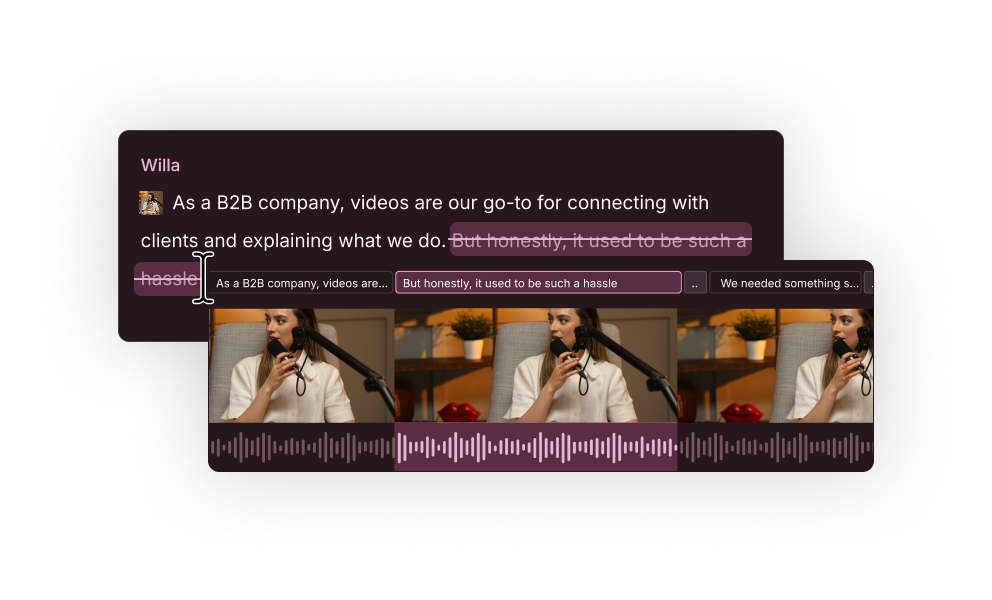
Open Descript, review the rough cut, make it great. The boring part is already done.
Use Cases
Use the API through a conversation.
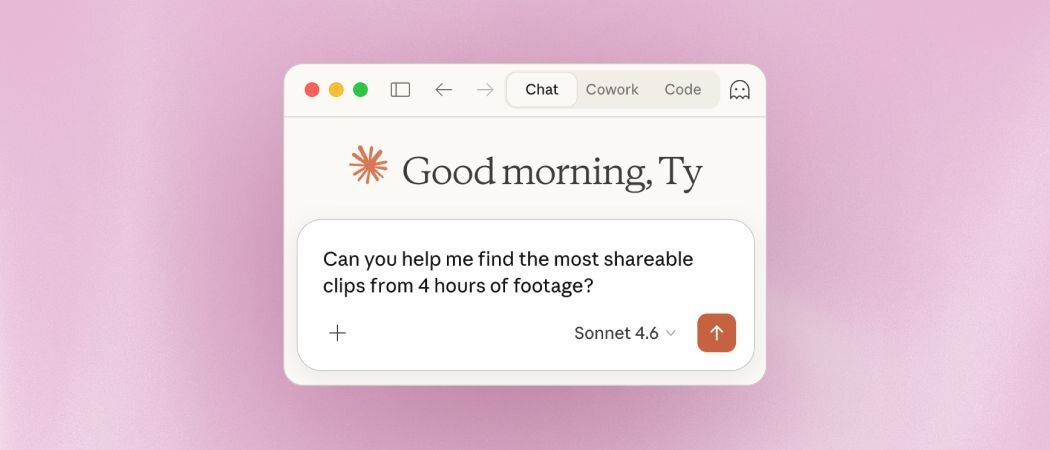
Connect the Descript MCP to Claude (or another AI assistant), and you can trigger imports and edits just by asking. Describe what you want in plain English — the model figures out the API calls for you.
Connect Descript to your existing workflows - without code.
Connect Descript, set your trigger (new file, new recording, new post), and tell Underlord what to do. Great for no-code automation.
For poking around quickly.
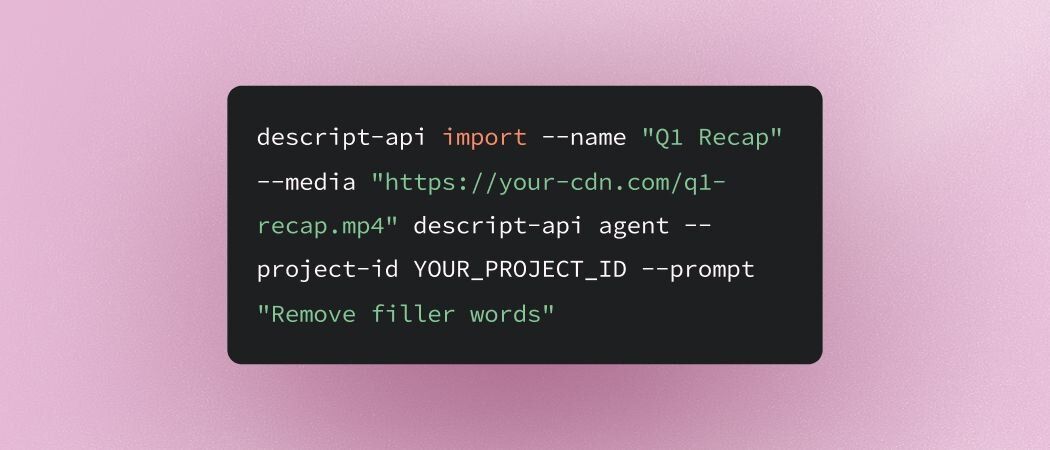
Install the CLI, drop in your API key, and run imports and edits from your terminal. It handles the polling and shows live progress — useful for quickly testing before you build something real.
Full control, for production workflows.
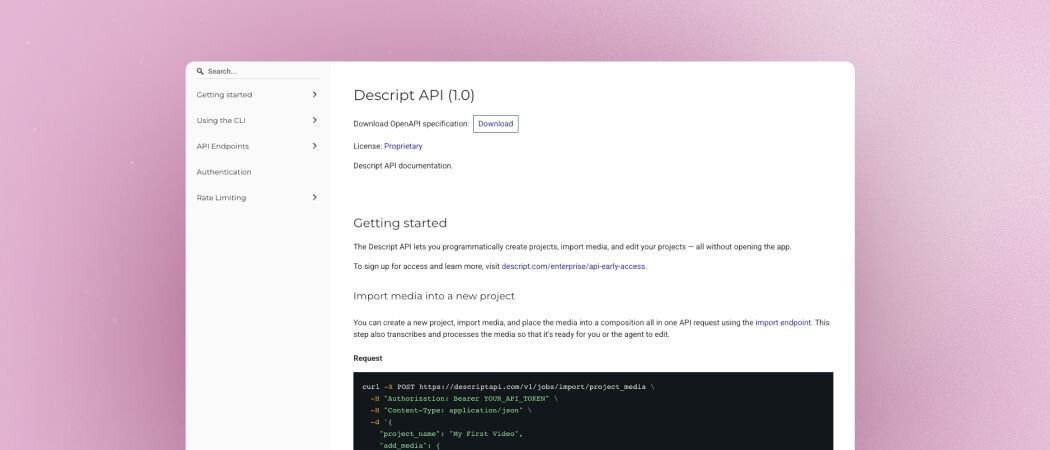
Call the API directly over HTTP when you're ready to build something real. You own the logic — job orchestration, error handling, webhooks, the whole thing.
A single run is straightforward. A thousand a day, every day, while hitting the right outputs in the right places is something entirely different. We've seen this play out, let's talk.
Fastest way to get a real answer. Descript staff and others building with the API hang out here. Great for asking questions and seeing what others are making.
Live help + workflow demos. Bring your questions, or just watch to see what's possible.
No. If you can use Zapier or connect an app to Claude, you can set this up. The CLI and direct API are there for technical users, but they're not required.
Import media from URL or local upload, apply any edits Underlord can do, and publish you project via share page or generate a download URL. Remove filled words, add Studio sound, generate captions, create clips, translate and dub, build rough cuts, and much more. If you can prompt it with Underlord in Descript, you can automate it through the API.
Start simple: trigger on a new recording landing in a target folder, have Underlord remove filler words and add captions, review in Descript. Once that's working, build from there.
API access is available for all paying users at no additional cost. Usage draws from the AI credits and media minutes on your plan.
In Descript: Settings → API Tokens. Tokens are scoped to a specific Drive.
Anything you can wire up in Zapier or through your own integration: RSS feeds, file uploads, CRM events, calendar events, webhooks from your recording platform — whatever fits your workflow.
You can auto-publish! Publishing a project composition creates a shareable link and generates a URL to download the exported file.
Check the known limitations page and the API docs.