Remove background noise from video with Descript's Studio Sound. It reduces background noise, room echo, or reverb, so dialogue comes through clearer, even when your original recording is a little rough around the edges. Designed for spoken voice, Studio Sound is great for interviews, podcasts, presentations, and talking-head videos, but not meant to replace full music mastering.
Remove noise from my videoThese companies use Descript. Not bad!

01
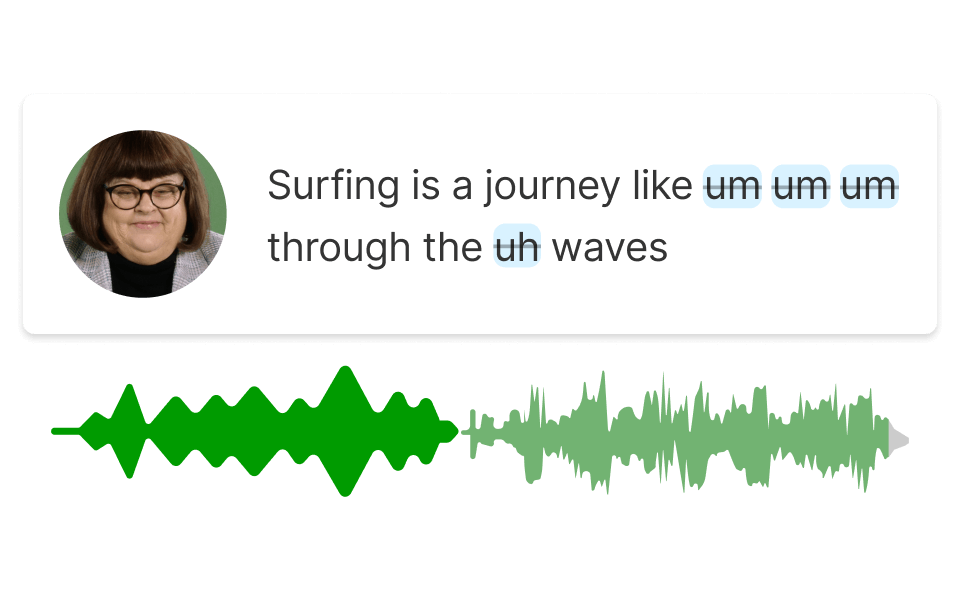
Create a Descript project, then upload your video to start cleaning up the audio. Descript supports common video formats, including MP4, MOV, and M4V, so it's easy to bring in footage from your phone, camera, or screen recorder. Once your file is in, Descript transcribes the speech so you can scan the script and find noisy moments faster, without listening back section by section.
02
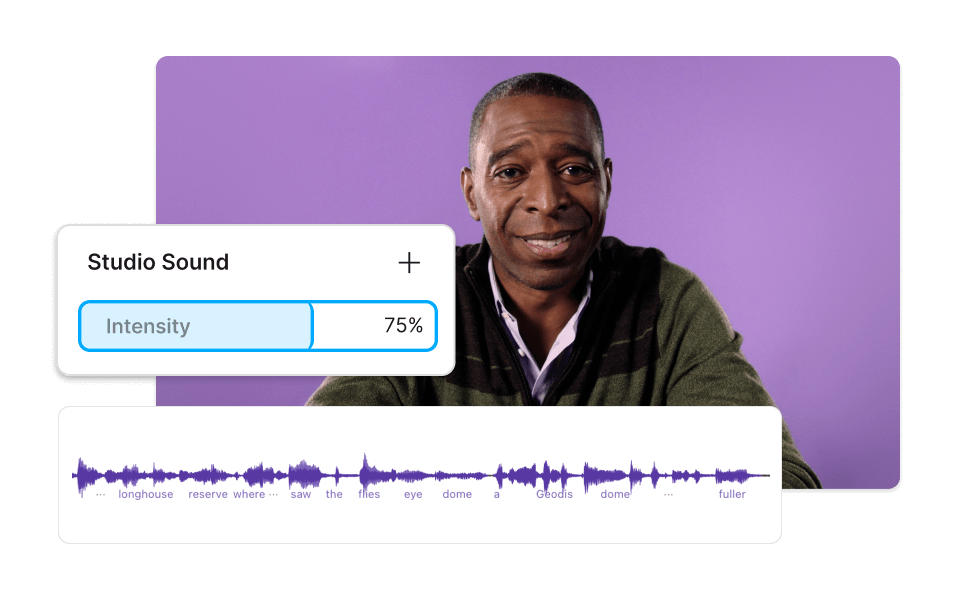
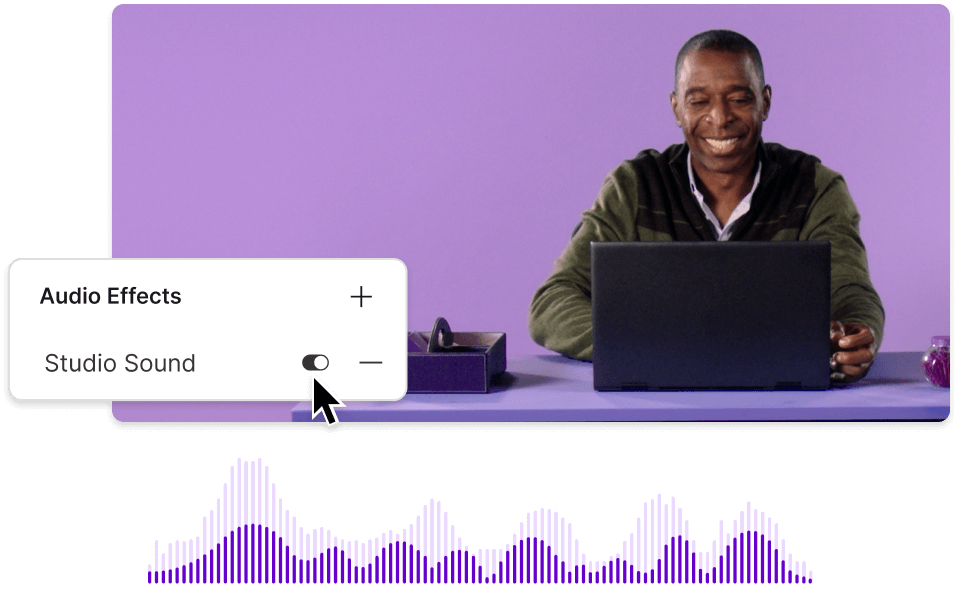
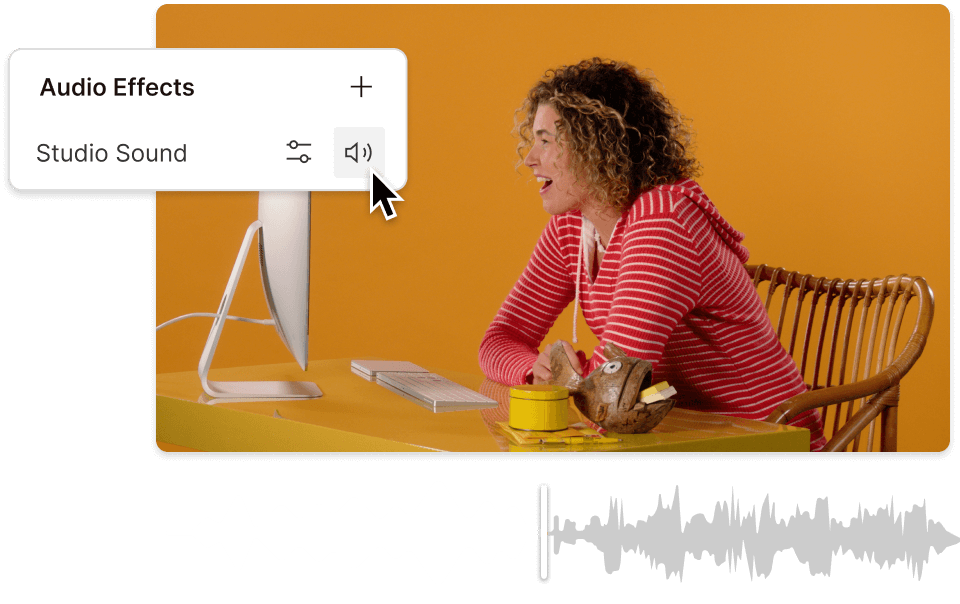
Select your script layer, open Audio Effects in the right-hand sidebar, and toggle on Studio Sound. Then, adjust Intensity to balance cleanup against any unwanted artifacts, adjusting it until the voice still sounds natural. Before you export, play the section back and toggle Studio Sound on and off to compare the before-and-after.
03
Once the dialogue sounds better, do a quick finishing pass: set levels, trim awkward silences, and add quick fades where needed. Then, click Export, choose the Video tab, select Local export if you want an MP4 on your device, or share via a Descript web link if that fits your workflow better.
Use Descript's AI background noise remover for common audio distractions like wind, traffic, AC hum, keyboard clicks, room chatter, static, or hiss. Remove ambient noise from your video and make spoken audio clearer without complicated post-production steps.
Studio Sound doesn't just tackle noise. It also reduces room echo and reverb for clearer dialogue. Use Studio Sound to remove background noise and echo or remove reverb from video in one workflow.
The built-in intensity slider lets you adjust the strength, so you can dial it up or down depending on the recording. You can reduce noise and keep the speaker's voice sounding natural.
You can compare the cleaned-up version against the original before you commit. Toggle Studio Sound on and off during playback, and export once the audio sounds right. Need help with a specific noise source first? Try this tool to remove wind from your video.
Descript combines cleanup tools with text-based editing, captions, and multitrack control in one workspace. You can edit like a doc, then fine-tune sound per track when a host, guest, or remote speaker needs different treatment.
Reduce background noise and room echo in one click with Studio Sound. Then, fine-tune the result with Intensity.
Use multitrack noise reduction for interviews and video podcasts by applying cleanup per track, like a host mic separately from a guest track.
Add captions and subtitles to support clearer comprehension and accessibility, especially when paired with cleaned-up voice audio. Easily remove background noise from audio at the same time.
Edit like a doc to tighten pacing, cut lines, and shape the story. Then, use Studio Sound to enhance the audio itself. Text edits help with flow, while Studio Sound handles the cleanup.
With a 4.6-out-of-5-star rating and a bunch of distinctions on G2, Descript’s users have declared it an industry standard in the video and podcasting world.
2026
“With Descript I'll be able to at least double my content output since editing is taking one-quarter the time it used to.”
Donna B.
“With Descript we can create videos for our YouTube channel and our LinkedIn page much faster and with high quality.”
Balázs N.
“Descript has made cleaning up and creating my educational videos into professional presentations [possible] without needing extensive technical computer skills.”
Barbara C.
“Descript makes recording and editing audio and video a breeze. It's advanced features have streamlined my workflows, saving me a lot of time usually spent editing.”
Roderick F.
“The collaborative tools streamline teamwork, allowing my team and me to work efficiently together on projects. Overall, Descript enhances productivity and simplifies the editing process.”
Aldrich M.
“Transcription-based editing makes the process much faster…All in all, a must have editor for most audiences, especially in SaaS marketing.”
Nidhin M.
Surely there’s one for you
$0
$0
per person / month
Start your journey with text-based editing
1 media hour / month
100 AI credits / month
Export 720p, watermark-free
Limited use of Underlord, our agentic video co-editor and AI tools
Limited trial of AI Speech
$24
$16
per person / month
1 person included
Elevate your projects, watermark-free
10 media hours / month
400 AI credits / month
Export 1080p, watermark-free
Access to Underlord, our AI video co-editor
AI tools including Studio Sound, Remove Filler Words, Create Clips, and more
AI Speech with custom voice clones and video regenerate
Most Popular
$35
$24
per person / month
Scale to a team of 3 (billed separately)
Unlock advanced AI-powered creativity
30 media hours / month
+5 bonus hours
800 AI credits / month
+500 bonus credits
Export 4k, watermark-free
Full access to Underlord, our AI video co-editor and 20+ more AI tools
Generate video with the latest AI models
Unlimited access to royalty-free stock media library
Access to top ups for more media hours and AI credits